
One place for useful links
Save websites, online tools and resources as clear, recognizable tiles.
One organized link library
Stop losing useful websites in scattered notes and browser folders. Build a clear, visual library for the links and web apps you want to return to.
Free beta · Browser-only storage · No cloud sync yet
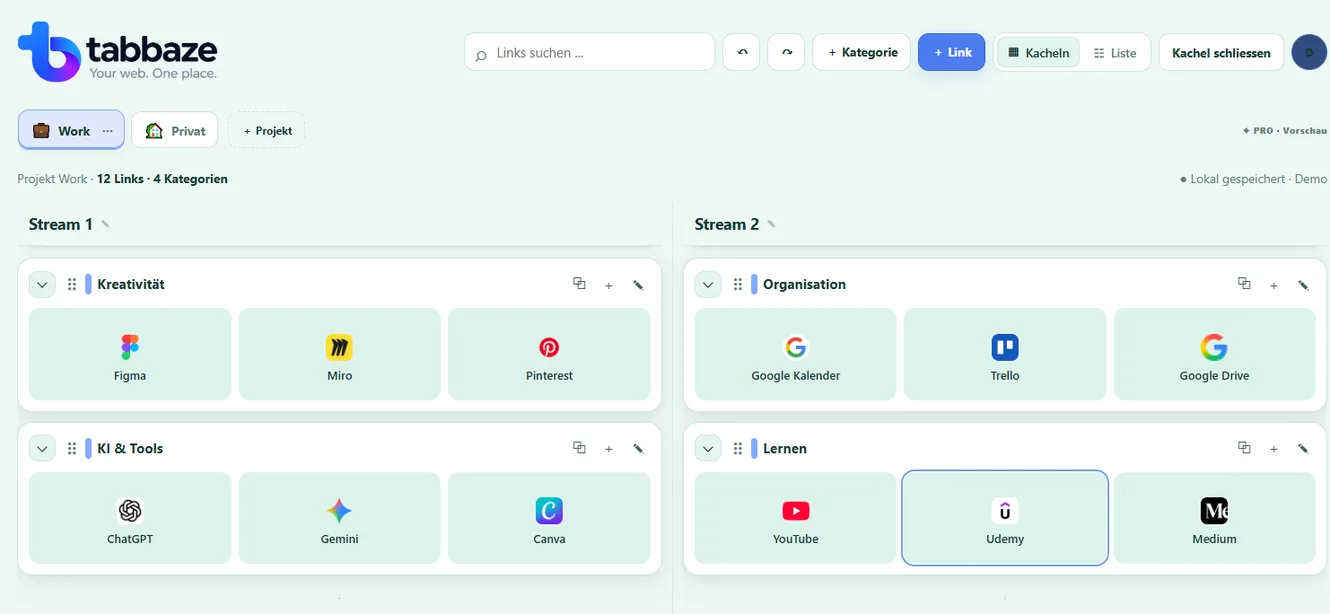
Why tabbaze
Save websites, online tools and resources as clear, recognizable tiles.
Organize your website collection into projects and categories that make sense to you.
JSON export and restore are included in Free; your data remains local to the browser.
Explore the actual workflow
Keep related websites together in clear categories. Try organizing example Canva, AI and productivity links below.

Drag a tile to a new position or category. On touch devices: tap a tile, then tap its destination.
Example links only · Your actual workspace is not affectedDemonstration only: this does not import or archive whole websites.
Organize your own linksA practical example
Organize websites worth revisiting by topic and give them a short description when it helps.
This is a simplified illustration, not automatic importing of browser bookmarks.
Step by step
A link library is more than a long list of URLs. It gives each saved website a place where you can find it later.
Projects help you separate different contexts. Categories make even a growing collection easier to scan.
A website library stays useful when it remains easy to scan. Clear names, sensible categories and occasional review matter more than total link count.
The current tabbaze beta saves your link collection in your browser. It is not a cloud archive or an automatic browser bookmark sync service.
One everyday example
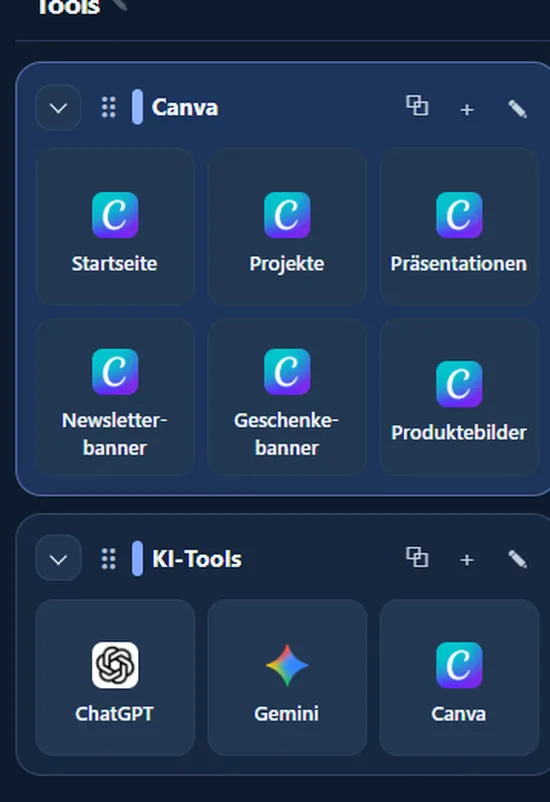
You can keep several distinct Canva links together in one category. These are saved URLs, not automatic subfolders.
Original tabbaze screenshot, not an AI-generated interface.
tabbaze · Your web. One place.
Try the free beta and build your own link collection. For now, your data stays in this browser.
FAQ
A link library is an organized collection of website addresses you want to save and revisit, usually grouped by topic or purpose.
You can organize and find your links within your tabbaze workspace using its available views and search functionality.
Yes. You can add a short description to a saved link so you remember its purpose later.
No. A link library stores website addresses and their organization, not the actual content or files on those sites.
No. tabbaze stores website links, not offline copies of the pages themselves.